There’s More to Design Than How Things Look
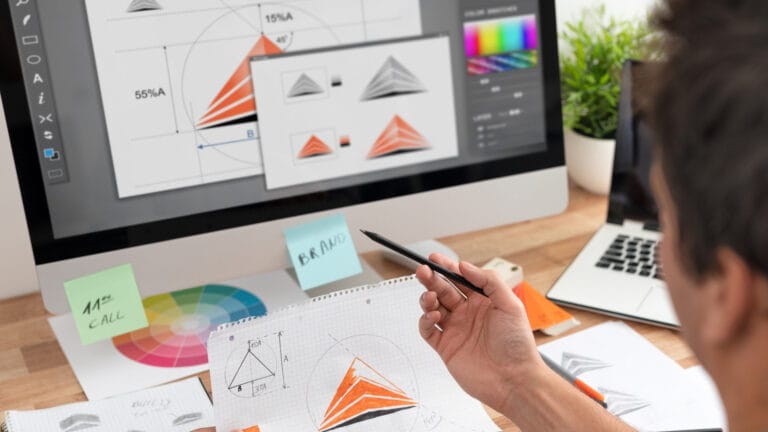
Good design isn’t just about making things look attractive — it’s about making the design element(s) fit for purpose. Whether it’s a website layout that guides a visitor naturally toward the information they need, a social media graphic that stops the scroll, or a presentation that makes a business case with clarity, design has a job to do. And having the right tools makes that job significantly easier.
Design in My Workflow
As a web designer, visual content is at the heart of almost everything I produce — from the sites I build for clients to the marketing assets I create for BlueMoonCreative.Services’ own projects. Most of the eCommerce sites I have created are filled with print-on-demand products using my own design portfolio. Over time, I’ve built up a toolkit of design tools that I genuinely rely on, and this feature category is where I share honest insight into what those tools are and how I use them.
Not Just for Designers
One of the things I find most interesting about modern design tools is how accessible they’ve become. You don’t need to be a trained graphic designer to produce professional-looking visuals any more — you just need the right tools and a basic understanding of what works. That’s something I’ll aim to demystify along the way — or alternatively, if you have seen some of my older social media posts, you may want to provide me with some guidance (after all, there is a reason why professionals exist).
What You’ll Find Here
Feature articles will cover the design tools I use across web, social, and digital marketing, including:
- Canva — creating social media graphics, presentations, and marketing assets quickly and effectively
- Vector Tools — where and how I use Inkscape & Affinity within my workflow
- Typography & Colour — practical guidance on making design decisions that work
- Image Editing & Optimisation — tools and techniques for preparing images for web use
- Elementor (as a Design Tool) — the design side of building visually compelling WordPress pages
- Social Media Visuals — creating content that performs well across different platforms
- AI-Assisted Design — how AI tools are starting to influence the design process
Tools I Actually Use
Everything featured in the future articles will be based on real experience — tools I’ve used, tested, and formed an honest opinion on. If something impresses me, I’ll say so. If it falls short, I’ll say that too — without resorting to the bad workman excuse. The aim is to help you build a design toolkit that genuinely serves your needs…